Design System Work
How I build Design Systems
Planning
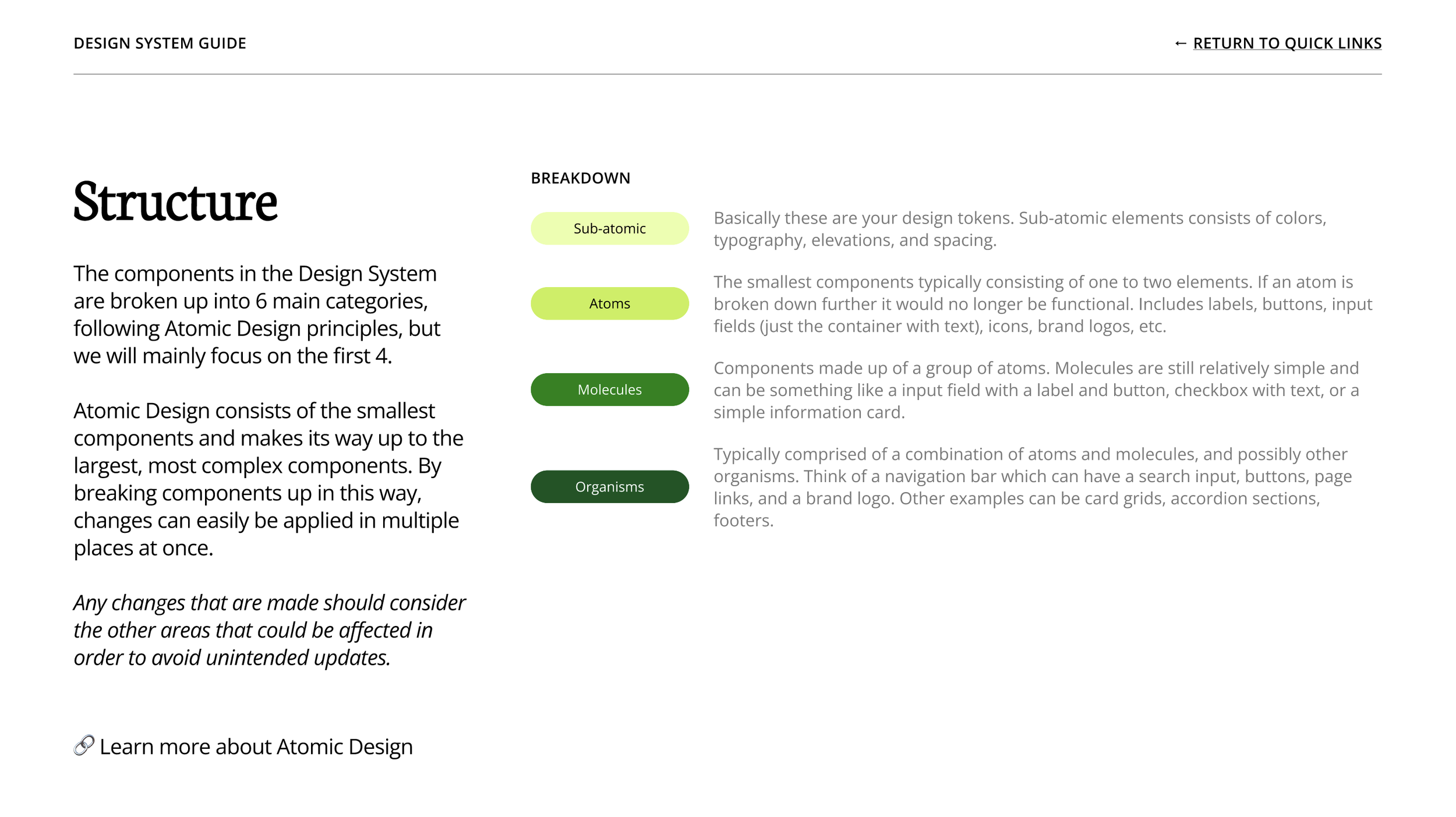
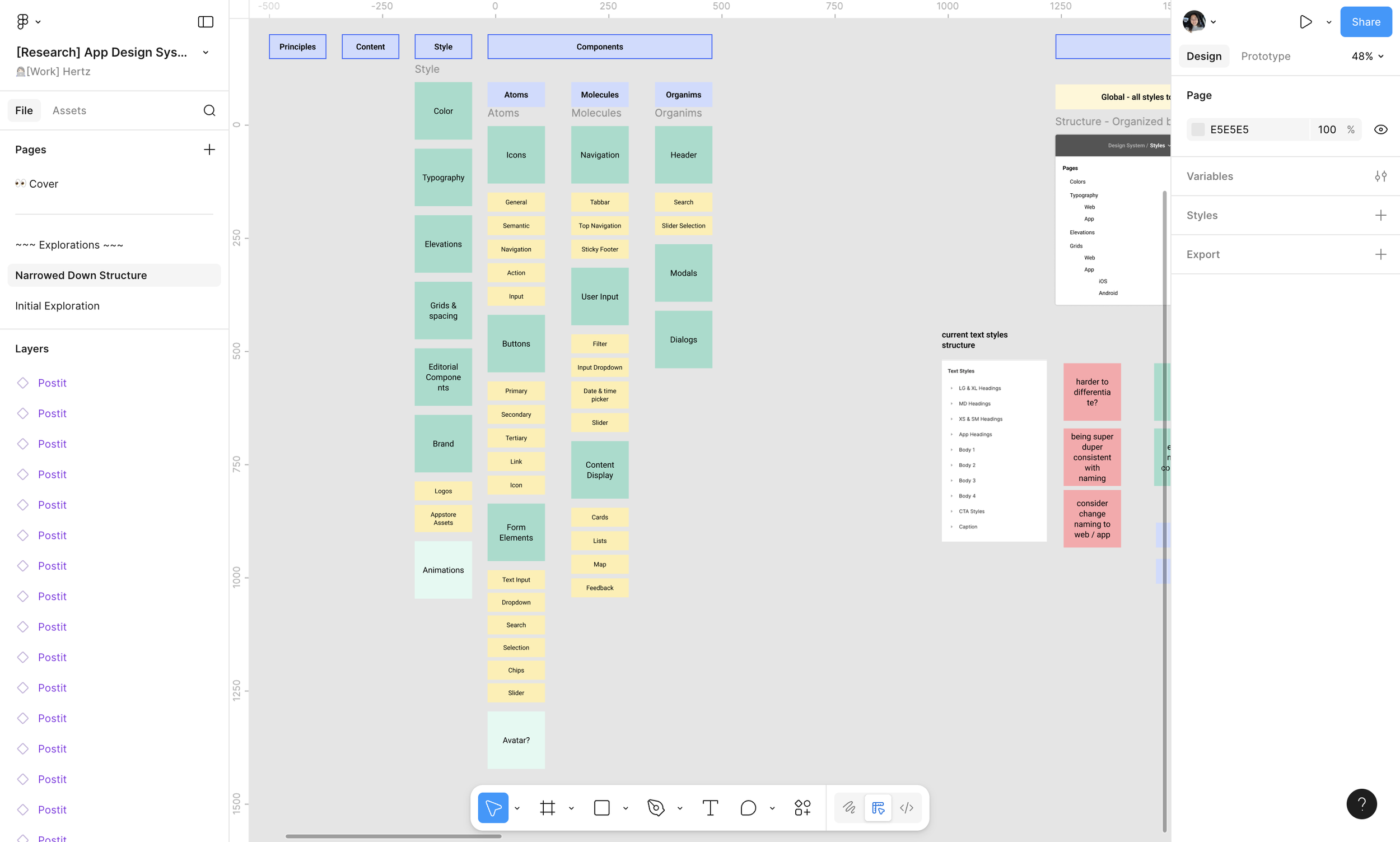
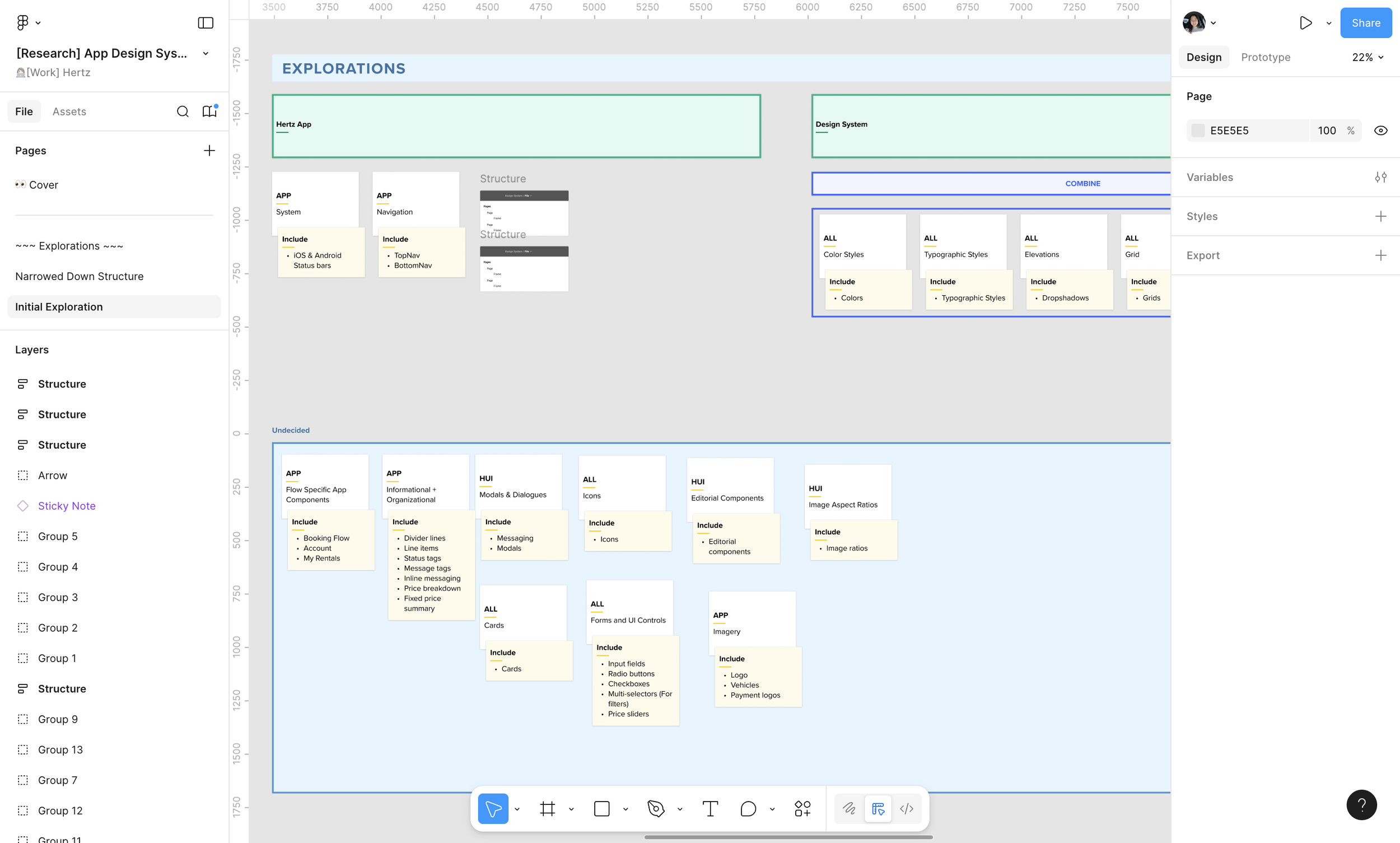
Before diving into a Design System, I will do an audit of the site/app to see what components will need to be accounted for. Once this is done, I work out the structure of the Design System file according to Atomic Design principles—what is considered an atom, molecule, etc.
After structure has been decided, I work with the brand team to get all the correct font files and color hex codes.
Building
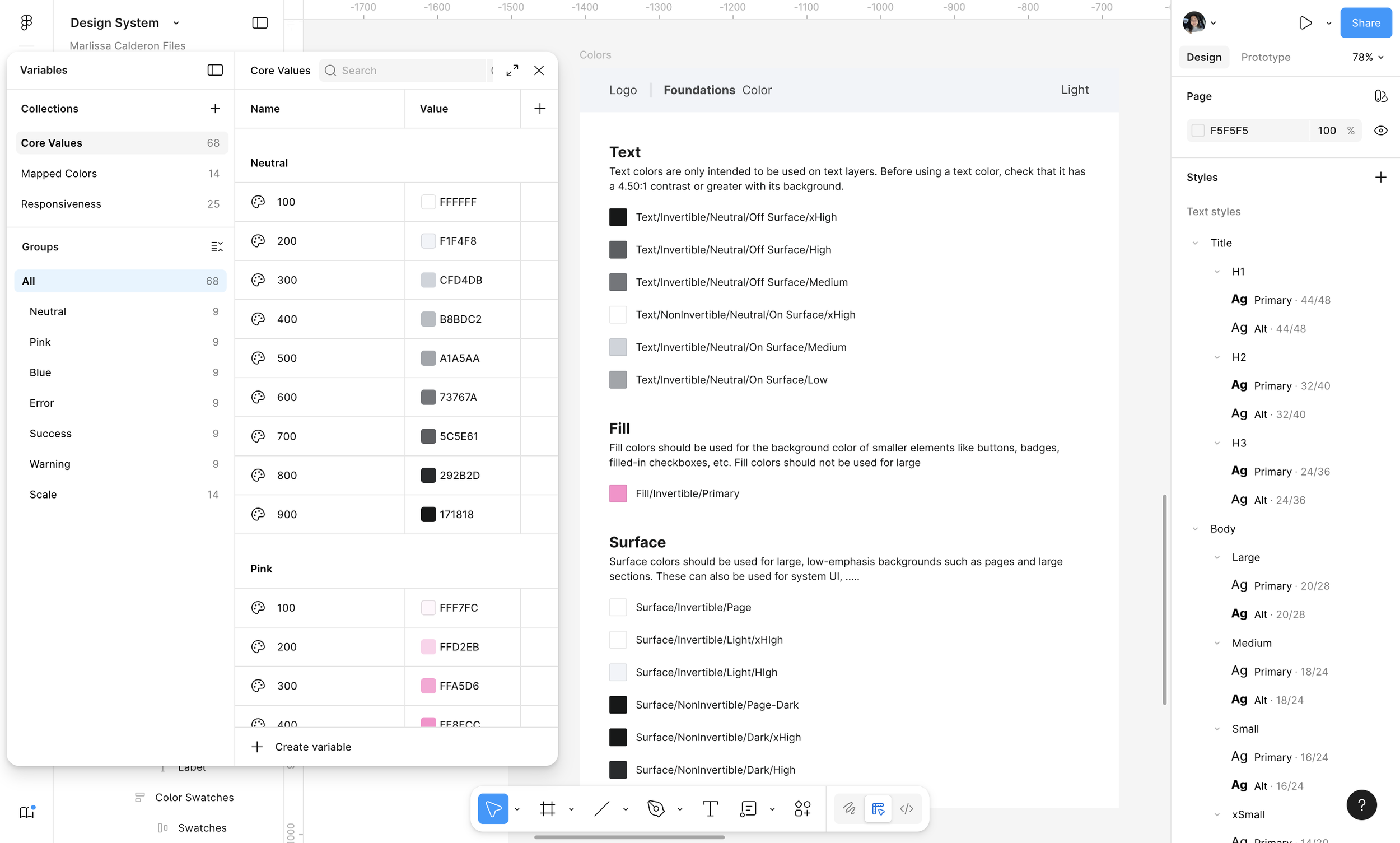
During the building phase, I start building components from the smallest elements up to the largest. This allows for the atomic design structure to be properly set up.
A common order I will follow is setting up primitive variables for colors, scale, and type, then move on to creating components using my setup variables.
Documentation
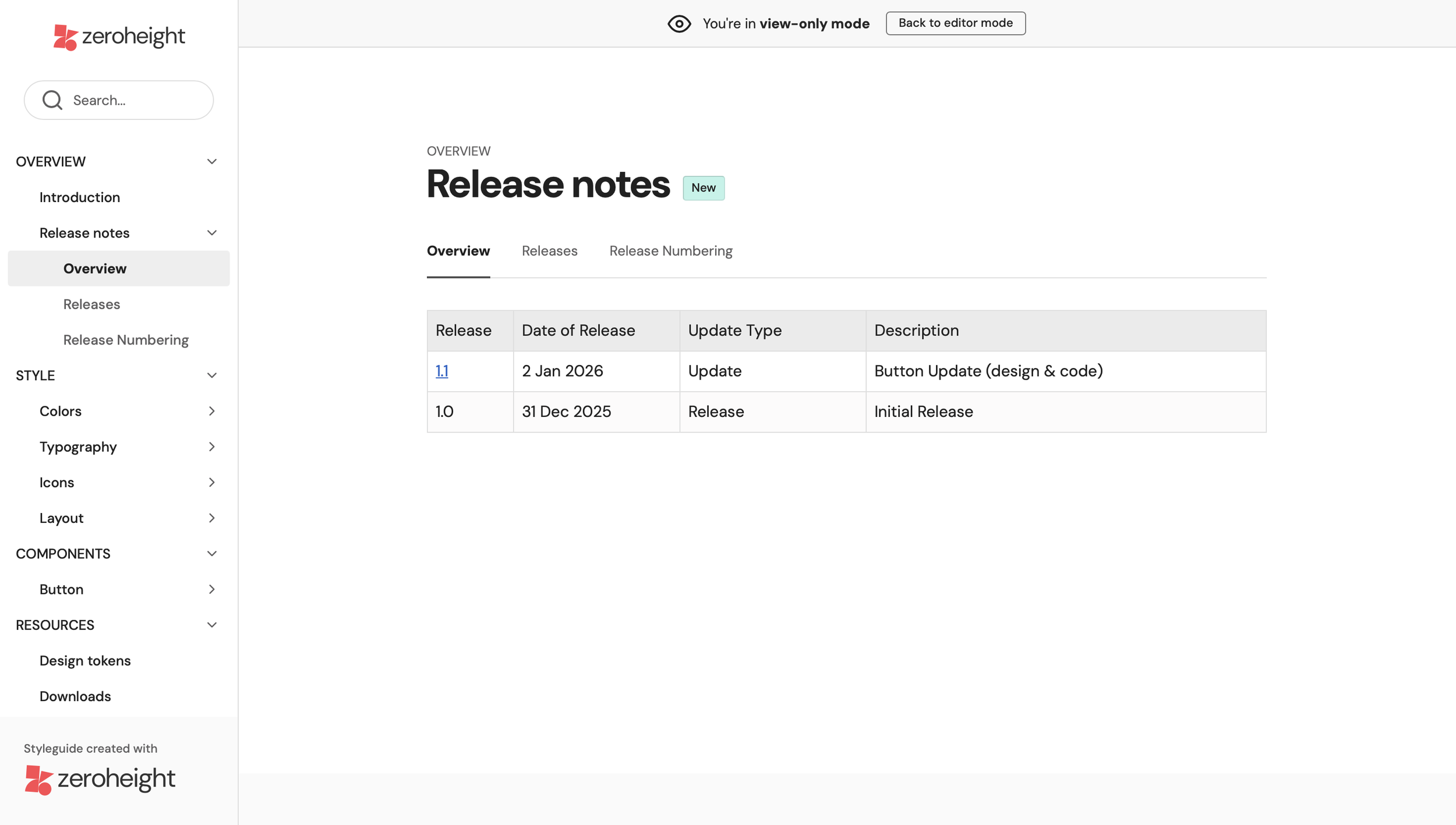
While building out components, I outline how to use each component/variable within the Design System as well as a software like Zeroheight. By using tools like Zeroheight, it’s easy to share out usage notes to people in and out of the organization
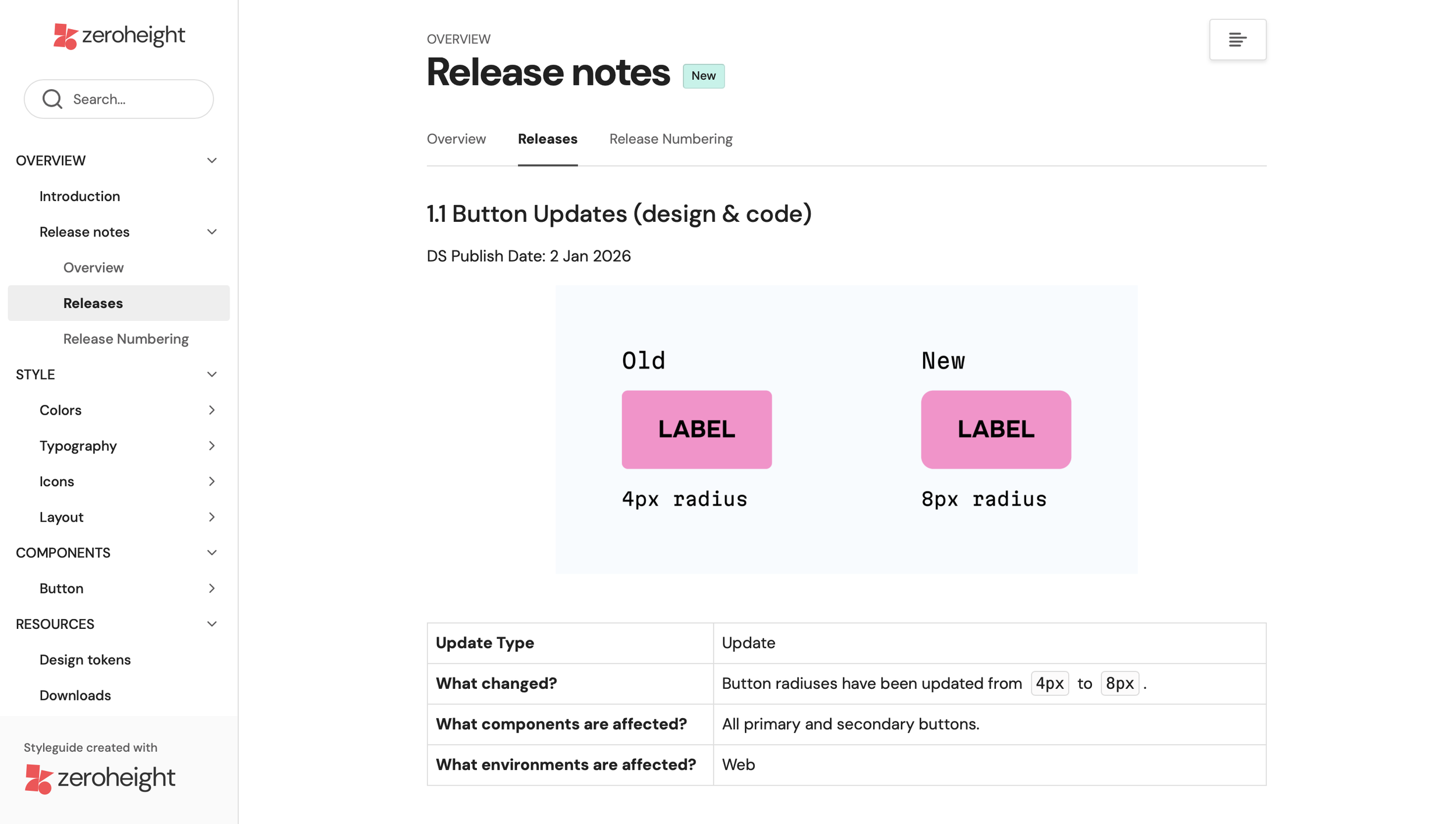
Zeroheight is also where release notes are housed and shared. When there are any updates made, a release note is created and shared out to everyone who uses the Design System. These release notes outline what has changed, the update type (update, new component, or deprecation), when to expect the changes to be published, and what is affected.
If a component is marked for deprecation, additional instructions will be given on how to update files.
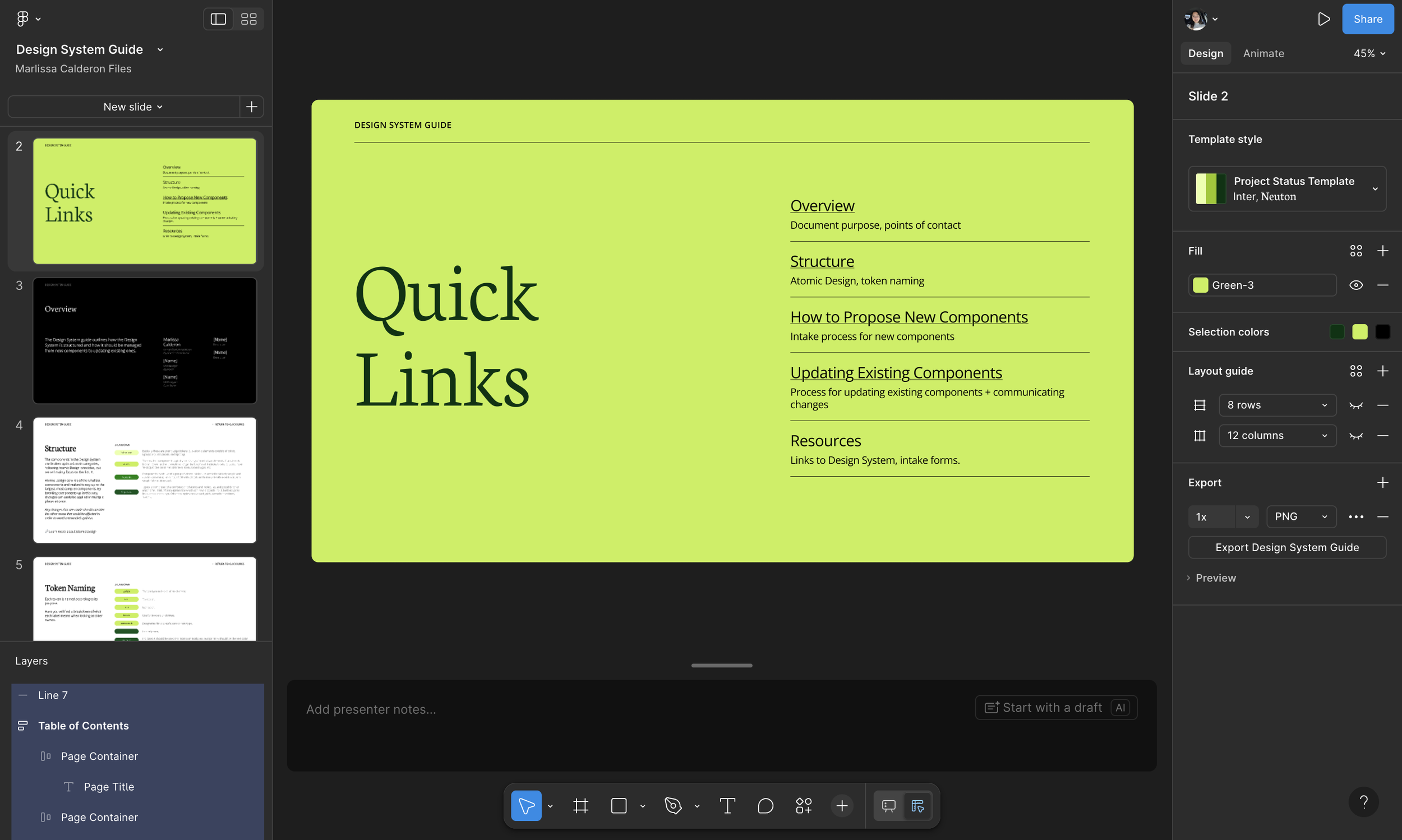
Design System Guide
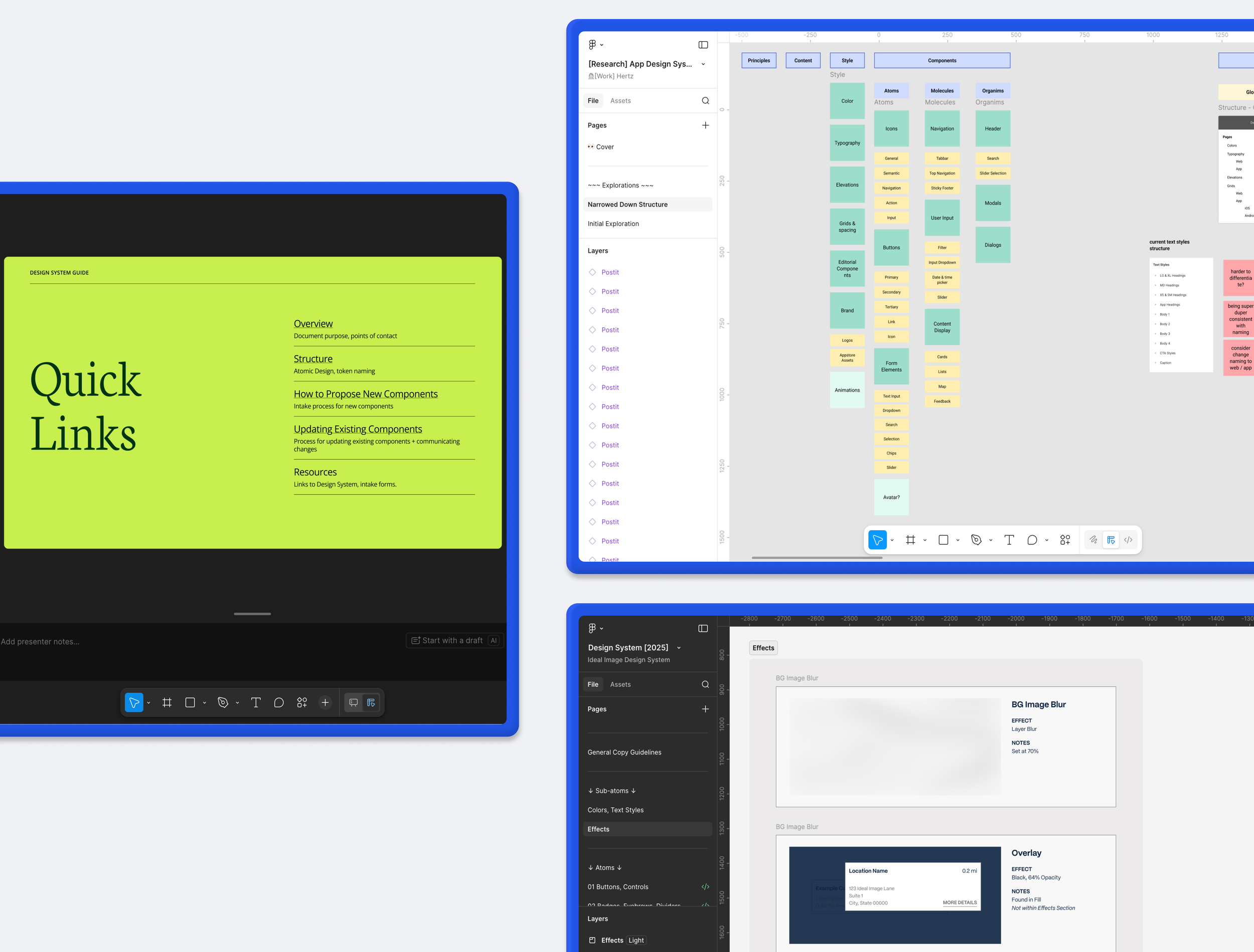
Proper documentation and onboarding is one of the best ways to set up others to use a shared Design System. Guides are one way I am able to organize this information that is easy to digest and navigate. What I cover in a guide ranges from an overview, dedicated managers and contributors, file structure, definitions of terms, as well as written-out processes for adding and updating components. These guides also include any links the user may need such as the links to view the Design System, Zeroheight, and intake forms.
I have found by creating guides within Figma Slides it is easier for others to find what they need quicker rather than scrolling through a long Confluence page.